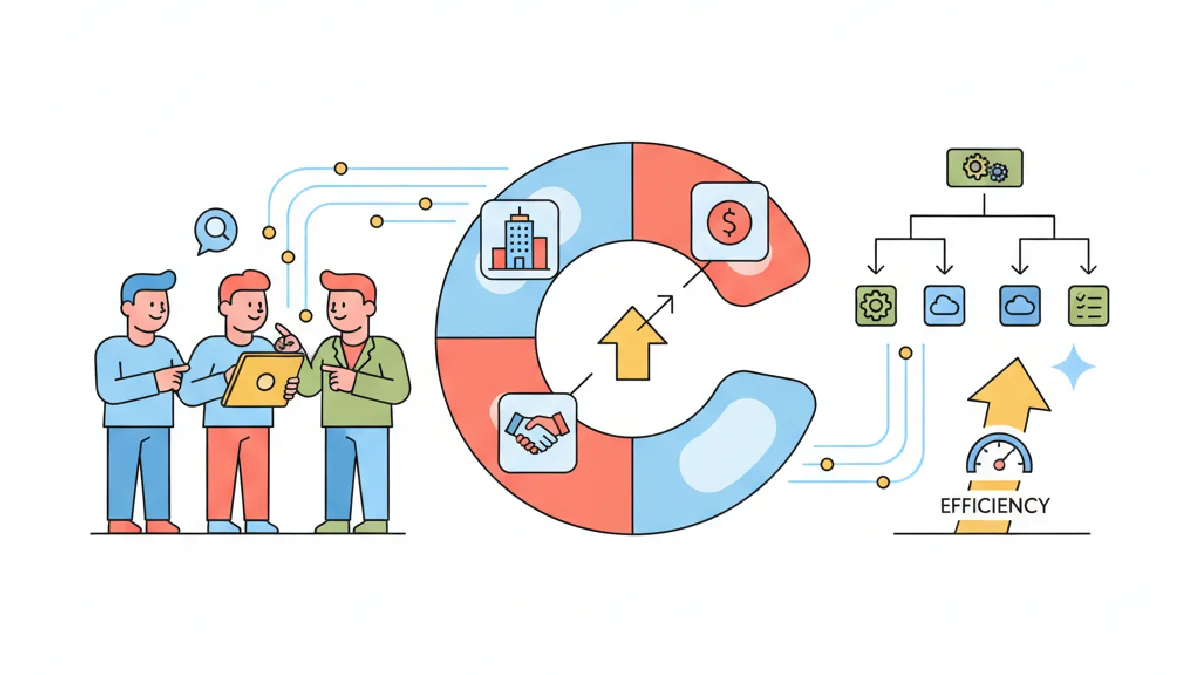
You're on a small acquisitions desk — three people, a stack of owner leads, and one off-market opportunity that could make or break the quarter. Every missed follow-up or anonymous spreadsheet tab is real money at risk. The easiest way to stop that leak is to build a repeatable process and run it inside a single tool your team actually uses. For acquisition teams, that tool can be CREflow.
Core idea — what to solve first
Acquisition teams live or die by two things: clean handoffs and reliable next steps. If you can't point to who owns the next touch, a deal stalls. If you don't have a single source for property and owner data, your pipeline is noisy and slow. Centralize properties, contacts, and deals; standardize stage names and ownership; and automate checklist creation so your team does predictable work instead of guessing. If you're focused on repeatability, see How to Build Repeatable Commercial Real Estate Acquisitions for practical steps to turn process into predictable outcomes.
1) Build a pipeline that enforces ownership
Why it matters: Teams commonly hide assignments in email and spreadsheets. That makes accountability impossible. The structural fix is to make responsibilities explicit in the tool you use every day.
Set your roster in Team and add everyone as Manager or Member so names are consistent across comments and activities — this reduces the “who promised to call?” argument.
Make the Deals Kanban your source of truth. Create stage names that match your actual work—Prospecting, Underwriting, LOI, Under Contract, Diligence, Closed—so the stage label becomes the workflow language everyone uses.
Use Deal Stage Triggers (Settings → Action Triggers) to auto-create the checklist items the new owner must complete when a deal moves stages. That converts vague handoffs into assigned tasks with due dates and priorities.
Practical note: Only an Owner account can configure stage triggers. Pick one person to own these rules so they don't drift over time.
2) Stop missing follow-ups with a single queue
Why it matters: Missed follow-ups kill deal velocity. You need one prioritized list, not a dozen email threads.
Run the Action Center as your intake queue. It aggregates campaign responses, deal tasks, and property follow-ups so you don't bounce between screens.
Filter the Action Center to the Investment pipeline and assign items to the right owner. Use snooze and due dates to keep the queue manageable and visible.
Always link Action Center items back to a Deal or Property so the task appears in the deal’s activity timeline — that context matters when someone else picks up the work.
Practical tip: If you run campaigns, make a policy that any 'Interested' campaign response must either convert into a Deal via the Action Center or be explicitly dismissed with a reason. That keeps the prospect list clean and measurable.
3) Source and qualify faster — organize properties and contacts
Why it matters: Sourcing is noisy. You need to know which properties are idle, which are in outreach, and which are already in a live deal so you don't duplicate effort.
Bulk-import owner lists into Contacts and map columns to address and email fields so records are consistent on import.
Add properties to Campaigns to run outreach. Campaigns track Pending → Contacted → Interested states and create Action Center tasks when someone replies, so responses become assignable work instead of ignored emails.
Use the lifecycle badges on the Property Detail page (In Deal, In Campaign, Was in Deal, Idle) to check whether a property is already being worked. Those badges update automatically when you link a property to a deal or a campaign.
Practical note: A property can only be linked to one active deal at a time. If a property shows In Deal, check the linked deal before you pitch the owner.
4) Underwrite and collaborate without email chains
Why it matters: The fastest path to clarity is having the underwriting notes and the conversation in the same place.
Create a Deal and link the Property and Contact so financials, files, and activities live on one record.
Use deal comments and the activity timeline for negotiation notes and to capture who said what. Pin key comments (for example, LOI terms) so they're easy to find during diligence.
Watch the Dashboard's Deal Pipeline overview to spot stage congestion; if too many deals pile up in one stage, reallocate reviewer hours or tighten your stage triggers.
Practical tip: Archive closed deals regularly to keep the active Kanban useful. Archived deals remain readable and restorable so history isn't lost. For guidance on underwriting workflows, see Commercial Real Estate Underwriting: A Practical Guide.
Mini-case: a three-person acquisitions team
Scenario: small team, two sourcers and one underwriter. They tracked owner calls in a shared spreadsheet and used chat for LOI approvals. Results: lost follow-ups and duplicated outreach.
What changed: they imported owners into Contacts, launched a direct-mail Campaign, and used the Action Center to create follow-ups from 'Interested' responses. They built a Deals pipeline with stage-based checklists so LOI tasks appeared automatically when a property moved into Negotiation. The team used a shared activity feed and calendar to coordinate site visits.
Outcome: fewer duplicated calls, a clear audit trail of who reached out and when, and faster LOI turnarounds because next steps were created and assigned automatically.
When CREflow is the right fit — and when it's not
Right fit: small to mid-size acquisition teams that need one place to hold properties, contacts, campaigns, deals, and follow-ups. The platform’s Team roster, bulk import, Campaigns, Action Center, and Deal Stage Triggers address the classic fragmentation problem by making ownership and next steps explicit.
Not the right fit: if you need deep custom integrations or highly customized financial models that live outside the platform, CREflow won't replace specialized underwriting tools. Use CREflow to manage pipeline, outreach, and tasking, and keep the results and next steps in the system while you run complex models elsewhere.
Key takeaways
Make Deals the source of truth and enforce ownership with team assignments and stage triggers.
Use the Action Center as a single intake queue so follow-ups never hide in email or chat.
Manage properties and owners in one place: import contacts, run Campaigns, and watch property lifecycle badges to avoid wasted outreach.
Keep underwriting notes and approvals on the Deal so the team can move faster with fewer status meetings.
FAQ
How do I keep follow-ups from falling through the cracks?
Use the Action Center as your single queue. Convert campaign responses into Action Center items and assign them. Configure Deal Stage Triggers to create required actions when a deal moves stages so the next owner has a checklist instead of a vague expectation.
Who should set up Deal Stage Triggers?
An Owner-level account should set triggers so the rules are consistent. Pick one person to maintain the workflow rules—don't let every manager tweak triggers or you'll lose standardization.
Can I bulk-import my property and owner lists?
Yes. Use the Properties and Contacts import flows to map CSV columns to fields. Make sure you have a header row and at least an address or property name on each row so the importer doesn't skip records.
How do I avoid duplicate outreach across the team?
Rely on property lifecycle status and the linked Deal. If a property shows In Deal, pause outreach and check the linked deal. Use shared Campaigns and tags so everyone sees who has been contacted and when.
Before You Run This, Check This:
Invite teammates in Team and assign correct roles (Owner, Manager, Member).
Decide on canonical stage names and set them on your Deals Kanban before migrating spreadsheets.
Configure Deal Stage Triggers for critical stages (LOI, Under Contract, Diligence) and pick an Owner to manage triggers.
Bulk-import contacts and properties with a clean CSV and map columns during import.
Agree an Action Center policy: convert or dismiss every 'Interested' campaign response within 48 business hours.
If you're ready to track your acquisitions pipeline in CREflow, start with Team, a small Properties import, and a pilot Campaign to test the Action Center flow. Use the Dashboard to monitor early bottlenecks and tighten triggers where tasks pile up.