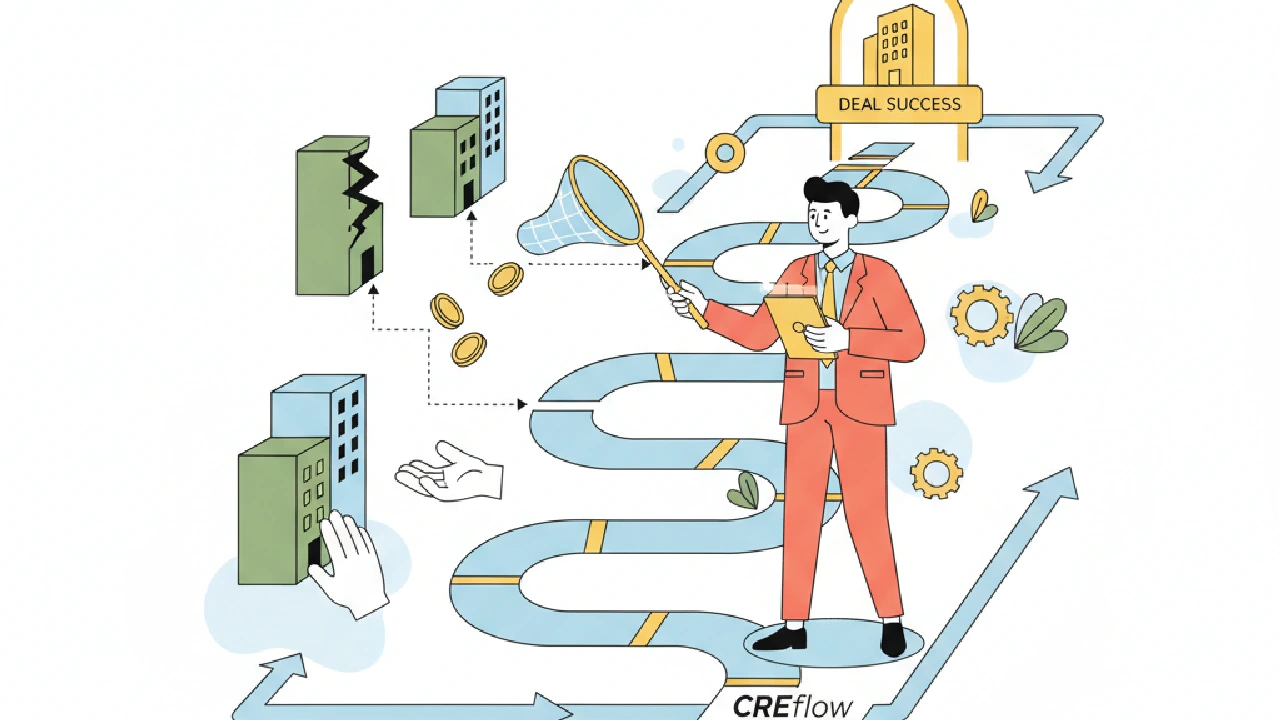
You found a property. Owner responded. Then life happened and you missed the call. That’s the common solo-investor story: one good lead, a scattered inbox or spreadsheet, and the deal walks. If you run deals alone, this is the risk you live with. This article shows how to turn that risk into predictable work using CREflow for solo CRE investors — what to set up, which features directly fix the pain, and when the product isn’t the right fit.
1) Stop deals from slipping: pipeline, Action Center, and stage triggers
Pain: follow-ups live in email, notes, and a Kanban in your head. Result: missed LOIs, stale offers, wasted time — a pattern explained in why solo investors lose momentum after the first response.
What to do: make your pipeline the source of truth and use CREflow’s Deals page plus the Action Center so follow-ups are single-threaded. Create a Deal, link the property and contact, and let Action Center surface the next action instead of leaving it in your inbox.
How it helps in practice:
Create a Deal as soon as a lead shows interest. A Deal record holds the title, value, and linked property and contact so context stays together instead of split across a spreadsheet and email.
Configure Deal Stage Triggers (Settings → Action Triggers) to automatically create the work that matters when you move a deal. For example, moving a deal to “Diligence” can create an Action Center task for “Request rent roll” and assign it to you, eliminating the “I’ll do it later” gap.
Work the Action Center daily. It’s a single queue for deal tasks, campaign follow-ups, and property items — use it instead of bouncing between tools.
Mini-case: you run a direct-mail campaign and a property owner replies “interested.” The response becomes an Action Center item. You qualify it, convert it to a Deal, link the property and contact, and the next tasks are already queued — no manual copy/paste and no lost threads.
2) Kill the spreadsheet spaghetti: Properties, Contacts, Tags, and Touches
Pain: ownership data, leases, and call notes live in multiple files. You waste time finding the last rent roll or remembering who owns what (see How Disconnected Docs Slow LOIs & Due Diligence).
What to do: centralize your data in Properties and Contacts and enforce linking. Properties pages hold owner info, financial fields, and lifecycle status; Contacts link back to properties so you don’t recreate ownership data every time.
How it helps in practice:
Import your property list using the Properties → Import flow. The importer maps CSV columns to address, owner, and financial fields so you don’t retype data. Centralizing prevents the common failure mode where spreadsheet deal tracking breaks after ~20 active opportunities.
Use Tags to mark properties (value-add, retail, opportunity zone). Tags make filtering fast when you’re hunting comps or triaging leads.
Log every outreach as a Touch on the property or contact. The Touches timeline gives you a searchable audit of calls, mail, and meetings — the one place to check before you call back an owner.
Watch the Lifecycle Status badge on the property page (In Deal, In Campaign, Was in Deal). It tells you at a glance whether a property is active or idle without opening a spreadsheet.
Mini-case: you used to send five follow-up emails before remembering the owner already said no. With Contacts linked to Properties and Touches logged, you see the prior message and tailor the outreach immediately.
3) Underwrite faster without overbuilding a model
Pain: manual underwriting takes forever for first checks and you overcomplicate the model for deals that never close.
Simple rule: standardize a quick first-pass underwrite and only build deeper models for deals that clear those filters. Use Deal and Property fields plus the Dashboard to run that first-pass faster.
How it helps in practice:
Capture a headline purchase price, basic rent assumptions, and obvious capital items in the Deal record. That’s enough for a quick go/no-go.
Keep a short checklist in deal comments or pinned notes: rent roll, lease expirations, capex estimate, and a market comp check. When the deal moves stage, have a trigger create those actions so you don’t forget steps (see how to keep due diligence from killing your transaction).
Use the Dashboard’s Revenue Pipeline Health and Deal Pipeline Chart to spot whether your funnel has workable deals or a lot of dead leads. That helps decide whether to underwrite five deals or fifty.
Market note: solo investors often focus on secondary-market deals. If you’re watching cap rates, industry sources suggest solo investors typically target cap rates of 6–8% in secondary markets. Use that as a directional filter for your quick pass, not as a one-size-fits-all rule.
4) Source efficiently with Campaigns and bulk imports
Pain: you can’t out-network institutional buyers, so volume and speed matter. Cold outreach must be repeatable and measurable.
The Campaigns → Contacts → Properties workflow fits this need: build a campaign, add properties, and track outreach from Pending → Contacted → Responded. Convert responses into Action Center items and then into Deals so nothing falls through the cracks.
How it helps in practice:
Bulk import lists into Contacts and Properties, tag them, and add them to a Campaign to scale manual outreach without reinventing tools.
Use campaign status to prioritize responses. When a property or contact flags as Interested, an Action Center item is created so responses don’t drown in your inbox.
Filter the Action Center by pipeline so your solo-investor queue shows only investment follow-ups.
Mini-case: you buy a list of 500 small retail parcels, import them into Properties, run a direct-mail campaign, and process responses in Action Center. Each qualified lead is one click from conversion into a Deal — link property, link contact, and begin diligence.
When this setup is the right fit — and when it isn’t
Use this workflow if you’re a solo investor who needs to:
Replace spreadsheets with a single source of truth for properties, contacts, and deals
Keep a tight, daily follow-up system using Action Center
Standardize first-pass underwriting and automate recurring task creation with Deal Stage Triggers
This approach is less appropriate if you need heavy, bespoke financial models beyond headline checks, or you require specific accounting integrations not available in your core tools. In that case, use the sourcing and pipeline parts of the workflow and keep advanced models in the specialized tool you already trust.
Real onboarding checklist
Set these things up in your first session so you stop losing deals in week one.
Complete Profile and Settings (name, photo, password, timezone, units, notification preferences).
Import your top property list and owner contacts using the bulk import flows and validate mapping with a small sample.
Enable the Investment pipeline in Settings → Pipeline visibility so Deals appears in the sidebar.
Configure 2–3 Deal Stage Triggers for the stages you use most (e.g., Diligence → create rent roll request).
Run a sample Campaign with 20 properties to test the response → Action Center → Deal flow.
Key takeaways
Use Deals + Action Center as your single workflow from lead → response → diligence. Stop juggling email and spreadsheets.
Centralize owners and property history in Properties and Contacts; log every outreach as a Touch.
Standardize a short first-pass underwrite in Deals and use Dashboard metrics to prioritize effort.
Run repeatable sourcing with Campaigns and convert responses to deals with one flow.
FAQ
Is this right for a one-person CRE shop?
Yes, if your main needs are pipeline hygiene, tracking owners/properties, and getting follow-ups done. Use Properties, Contacts, Deals, Campaigns, and the Action Center together to replace scattered spreadsheets and lost threads.
How do I convert a campaign lead into a live deal?
When a campaign response arrives, it creates an Action Center item (if your account has access). Qualify that item, convert it into a Deal, link the property and contact, and the Deal will follow the stage triggers you’ve configured for next steps.
What should I import first when I sign up?
Start with your top properties and owner contacts. Use the bulk import for Properties and Contacts to map fields, then tag and add a small test campaign so you can watch the response → Action Center → Deal flow in real time.
Before you start — quick checks
Profile & Settings complete (timezone, currency, pipeline visibility).
Investment pipeline enabled so Deals shows in the sidebar.
Owner/manager access only where needed — only Owners can edit Deal Stage Triggers.
A small import (20–50 rows) to validate CSV mapping before bulk upload.
Decide how you’ll log Touches (calls vs emails vs mail) so notes stay consistent.
track your acquisitions pipeline in CREflow — start with a single campaign and one deal stage trigger, then build from real work, not theory.