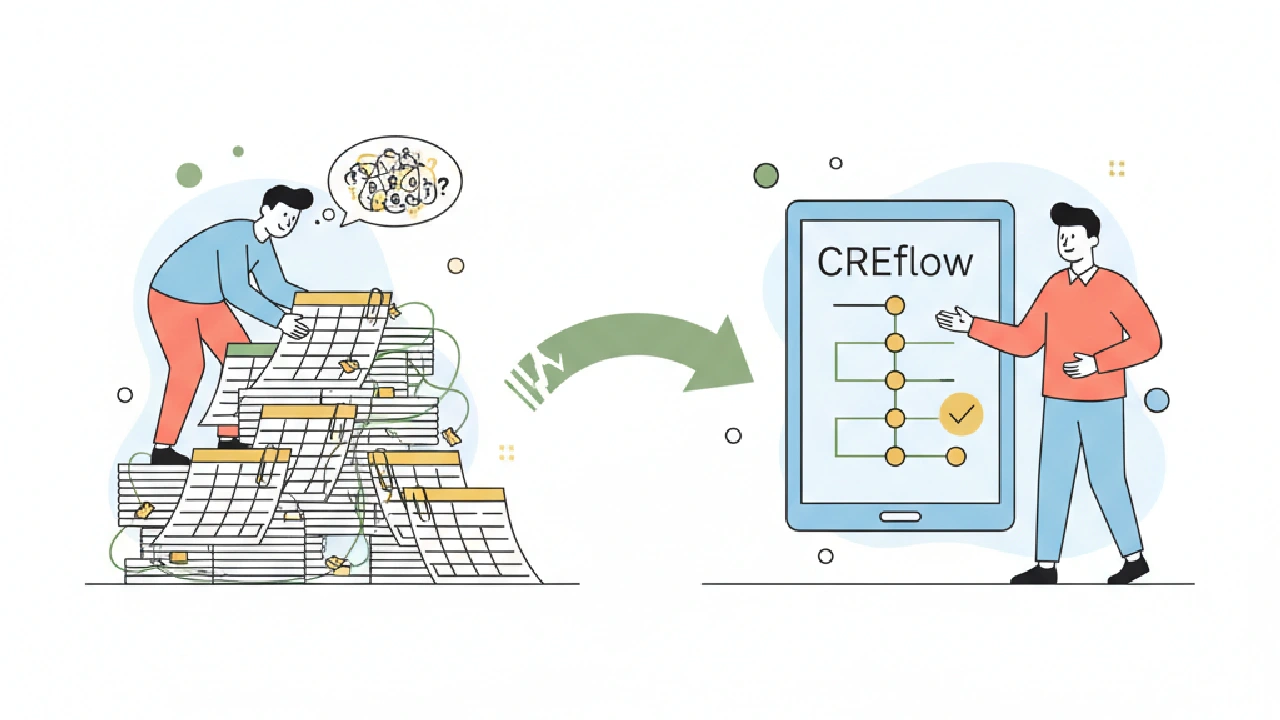
Let's be honest. We all started with spreadsheets. They're the duct tape of commercial real estate. When you're grinding, trying to get that first deal done, a spreadsheet is fast. It's flexible. It's your spreadsheet, built exactly how you want it.
But there comes a point where that flexibility turns into a liability. Maybe it's when you've got three deals in diligence, five properties you're tracking for off-market outreach, and you just spent two hours trying to remember which version of "Acquisition Model v3 Final (really) (THIS ONE)" had the updated rent comps. We've been there. The question isn't whether spreadsheets work – they do, for a time. The real question is, when do they start costing you more than they save?
For a solo CRE investor, the choice between CREflow and spreadsheets boils down to whether you want a lightweight system for repeatable sourcing, underwriting, and follow-up, or a flexible file that's fastest to start but harder to control as deal volume, assumptions, and reminders grow. We need to focus on what actually moves the needle: speed to underwrite, fewer manual errors, scenario discipline, and a single place for deal history, tasks, and documents. Not just a list of features.
Let's cut through the noise and figure out when it's time to leave that familiar, yet increasingly brittle, spreadsheet behind.
The Hidden Costs of Spreadsheet Sourcing
When you're chasing deals, context is everything. You're pulling property info from listing sites, getting broker emails, making cold calls, and jotting notes in a dozen places. The core pain here isn't a lack of data; it's losing context and duplicating entries. We spend too much time trying to remember if that industrial park lead came from that broker meeting or that online search from last week.
Think about it: you get an email with a new listing. You pull some numbers, punch them into a spreadsheet. A week later, you have a follow-up call. Where do you log that? Another cell? A separate tab? A note in your calendar? This fragmented approach means you're constantly re-entering data or, worse, missing critical follow-ups entirely.
We see this all the time. A promising lead goes cold not because it wasn't a good deal, but because the follow-up reminder got buried in an email thread or wasn't linked to the property in any systematic way. A good workflow solution centralizes intake, search, and status tracking. In CREflow, when you add a property, you're immediately building a single source of truth for that asset. All your scheduled activities—calls, meetings, tours, follow-ups—appear in one place in the Action Center. You can even use the Actions menu to schedule follow-ups, and CREflow creates a reminder that shows up in your personalized queue. That's leverage.
Underwriting: Beyond the Formula Jungle
Spreadsheets are incredible for building custom underwriting models. We've all got our secret sauce formulas. But as your deal volume picks up, that custom flexibility becomes a massive headache. You're copying sheets, changing assumptions, and then trying to compare "Scenario A" from yesterday with "Scenario B" from this morning. Which one has the updated lease-up schedule? Did you remember to change the interest rate in both versions?
The fragility of these models shows up when you need version control or faster comparisons. You want to test how a 50 bps cap rate shift impacts your IRR, or what happens if tenant reimbursements drop by 2%. Doing that quickly and reliably in a complex spreadsheet, without risking a broken formula or overwriting critical data, is a high-wire act.
This is where dedicated tools shine. CREflow's Underwriting tab for acquisition deals lets you input assumptions once: price, down payment, closing costs, revenue, expenses, financing, and exit scenarios. Key metrics like NOI, Cap Rate, Cash Flow, DSCR, and IRR update automatically. You can quickly adjust variables and see the impact without navigating a labyrinth of cells or worrying about formula integrity. It's about scenario discipline – being able to rapidly model base, best, and worst cases with confidence that your numbers are consistent and accurate. You get a robust model without having to rebuild it for every deal.
The Execution Gap: From LOI to Close
Once you're past underwriting and have an LOI out, the real work begins. Due diligence, lender requests, legal review, and closing tasks. In a spreadsheet world, this often means another tab for a checklist, emails flying back and forth, and chasing people for updates. Who's responsible for the survey? Did the environmental report come back clean? What's the status of the lender's appraisal?
This "execution gap" is where audit trails, task routing, and collaboration become critical. Without them, tasks get missed, handoffs are messy, and you lose precious time (and often money) playing detective. We've seen deals almost fall apart because a key document wasn't tracked or a critical deadline was missed.
CREflow addresses this with its Checklist tab on deals, letting you track closing tasks with progress right on the deal itself. You can add custom items, assign due dates, and expand categories like Title & Survey or Environmental. For offers and negotiations, the Offers tab keeps all your LOIs, counters, and statuses in one place – no more digging through email. You can also use the Comments section on any deal to collaborate with teammates and @mention them for input, ensuring everyone is on the same page and nothing slips through the cracks. It brings order to the chaos of closing.
Comparison: Spreadsheets vs. CREflow
Let's put it in a table:
| Feature | Spreadsheets | CREflow |
|---|---|---|
| Visibility | Limited, often manual updates | Real-time, team-wide activity feed in CREflow |
| Handoffs | Manual, email-dependent, prone to errors | Automated tasks, @mentions, shared checklists in CREflow |
| Audit Trail | None beyond manual logging/version control | Automatic logging of activities, status changes in CREflow |
| Scenario Speed | Slow, high risk of formula errors | Fast, integrated underwriting module in CREflow |
| Team Use | Difficult, version control nightmare | Built-in collaboration, role-based access in CREflow |
| Single Source of Truth | Fragmented across files/folders | Centralized properties, deals, contacts in CREflow |
The Scale Trigger: When Pain Becomes Unbearable
So, when is it really time to make the switch? Spreadsheet pain usually shows up when manual reconciliation, re-keying data, and version confusion start consuming too much of your time. If you're spending more time managing your spreadsheets than actually managing your deals, that's your sign. If you're worried about critical errors in your underwriting because one cell got deleted or a formula broke, that's your sign.
The right test is whether the software reliably saves enough hours and errors to justify replacing your existing spreadsheet workflow. We recommend keeping spreadsheets for truly ad hoc analysis or custom, one-off models that don't fit a repeatable pattern. But if your pain is less about the modeling itself and more about managing the full deal workflow around sourcing, underwriting, and execution, then it's time to look at a dedicated solution like CREflow. It's about leveraging technology to manage your deal flow from first lead through close and exit.
Before You Make the Leap, Check This:
- Are you tracking more than 5-7 active deals at a time?
- Are you spending more than an hour a week on manual data entry or reconciliation?
- Have you ever had a deal almost fall through because of a missed task or lost information?
- Do you find yourself recreating the same underwriting assumptions or checklists for every new deal?
- Do you want to scale your deal flow without adding more administrative burden?
Key Takeaways
- Spreadsheets are great for ad hoc, but fall short on repeatability and collaboration.
- Fragmented data leads to missed follow-ups and lost deal opportunities.
- Dedicated underwriting tools prevent errors and speed up scenario analysis.
- Deal management software provides an essential audit trail for diligence and closing tasks.
- The right time to switch is when manual spreadsheet work starts costing you time and increasing error risk.
FAQ
Can I import my existing spreadsheet data into CREflow?
Yes, CREflow supports bulk importing of properties and contacts from CSV files. This helps you transition your existing data without manual re-entry. You can also import existing deals.
What if I need custom underwriting models not covered by CREflow?
For highly specialized, one-off models, spreadsheets remain a powerful tool. CREflow's Underwriting tab is designed for repeatable, core acquisition analysis. You can use both in tandem: leverage CREflow for the bulk of your deal flow and use spreadsheets for unique cases.
How does CREflow help with team collaboration compared to shared spreadsheets?
CREflow provides built-in team features like shared deal views, deal comments with @mentions, and a Team Activity Feed. This means everyone works from the same, real-time data, avoiding version control issues and ensuring clear handoffs, unlike the chaos of shared spreadsheets.
Is CREflow only for large teams, or can a solo investor benefit?
CREflow is designed for boutique acquisition teams, including solo investors. The benefits of centralized data, automated follow-ups, and streamlined underwriting are significant whether you're managing one deal or many, helping you scale efficiently.
What happens to my data if I decide to cancel my CREflow subscription?
If you cancel your subscription, CREflow automatically creates backup files of your data, and download links are sent to your email. You can retrieve your data and import it into another system or revert to spreadsheets if needed. Specific retention limits apply if you downgrade to a free tier, but your data remains accessible for download.